OpenClaw + Codex is the biggest workflow shift I’ve made as a designer.
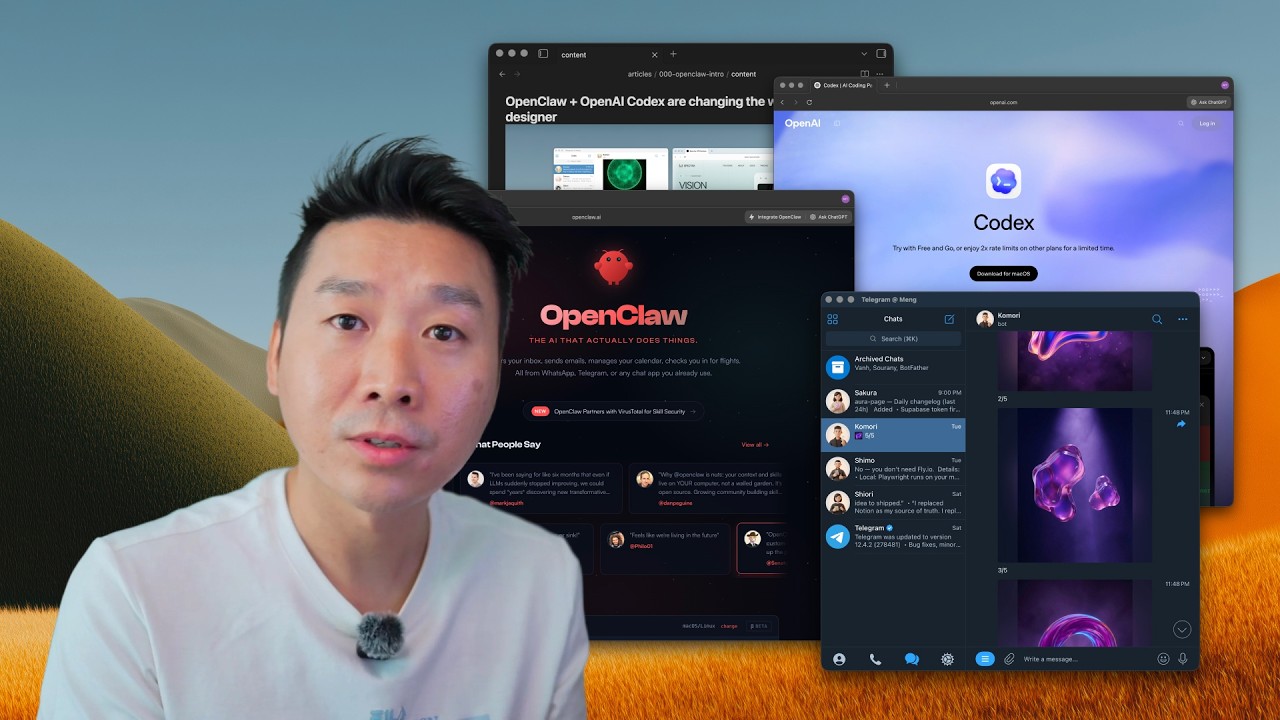
What if your AI could design, write, automate, and organize your workflow while you’re away from your desk? This video shows the exact OpenClaw + Codex setup I use to ship real work faster. I rebuilt my creator workflow around OpenClaw + C
Full description
What if your AI could design, write, automate, and organize your workflow while you’re away from your desk? This video shows the exact OpenClaw + Codex setup I use to ship real work faster. I rebuilt my creator workflow around OpenClaw + Codex, and it changed how fast I can ship design, content, and product work. In this video, I break down: AI-generated production visuals with Nano Banana Pro Running workflows from Telegram OpenClaw vs Codex in real use Safe OpenClaw setup (terminal, onboarding, API keys) Local-file + memory workflows for writing/design/automation Why creators now act more like editors/reviewers If you’re a designer, solo builder, or indie hacker, this is a practical stack you can apply today. Results from this workflow My 65k MRR project: https://aura.build Image Ops: https://www.aura.build/assets Assets Ops: https://www.aura.build/meng Tools https://openclaw.ai https://nodejs.org https://brew.sh https://telegram.org https://obsidian.md API Keys https://platform.openai.com https://console.anthropic.com https://aistudio.google.com Timestamps 00:00 Intro: AI tools that changed my workflow 00:43 Nano Banana Pro design quality demo 02:31 Command-line image workflow 03:18 Telegram as remote control room 04:32 Real business context (Aura) 06:01 Building a custom slide tool with Codex 07:42 OpenClaw vs Codex explained 10:32 Why Codex is easier to start with 12:07 OpenClaw prerequisites (Node + Homebrew) 13:19 Terminal walkthrough 15:45 Onboarding + safety settings 16:06 API keys + model choices 20:20 Control panel + terminal UI 22:34 Multi-agent setup 23:54 Local files/context advantage 25:51 When to use Codex instead 26:17 Automations (daily workflows) 27:12 Creator role shift: editor/reviewer 28:13 Obsidian + markdown workflow 30:20 Codex automations + skills 31:43 Project context best practices 32:50 Tweet-to-article workflow 34:33 Queueing tasks + live steering 35:42 Real-time article + image generation 38:01 API integrations 39:01 Secure rollout strategy 40:31 Voice dictation workflow 41:26 Why now (GPT-5.3 + Codex momentum) Tags #openclaw #codex #aiworkflow
Chapters
- 0:00 Intro: AI tools that changed my workflow
- 0:43 Nano Banana Pro design quality demo
- 2:31 Command-line image workflow
- 3:18 Telegram as remote control room
- 4:32 Real business context (Aura)
- 6:01 Building a custom slide tool with Codex
- 7:42 OpenClaw vs Codex explained
- 10:32 Why Codex is easier to start with
- 12:07 OpenClaw prerequisites (Node + Homebrew)
- 13:19 Terminal walkthrough
- 15:45 Onboarding + safety settings
- 16:06 API keys + model choices
- 20:20 Control panel + terminal UI
- 22:34 Multi-agent setup
- 23:54 Local files/context advantage
- 25:51 When to use Codex instead
- 26:17 Automations (daily workflows)
- 27:12 Creator role shift: editor/reviewer
- 28:13 Obsidian + markdown workflow
- 30:20 Codex automations + skills
- 31:43 Project context best practices
- 32:50 Tweet-to-article workflow
- 34:33 Queueing tasks + live steering
- 35:42 Real-time article + image generation
- 38:01 API integrations
- 39:01 Secure rollout strategy
- 40:31 Voice dictation workflow
- 41:26 Why now (GPT-5.3 + Codex momentum)